


Leaderboard
-
Nickyt
Members1Points7Posts -
DenF22
Members1Points2Posts -
VanDerSnow
Members1Points15Posts


Popular Content
Showing content with the highest reputation on 01/11/2021 in all areas
-
1 pointOil pressure sensor is #18 in the image, Honda PN 37240-PHM-003 (code may be different to your engine, I just went for my model). It's located at the front, bottom half of the engine.
 1 point
 -
Thanks guys this is my baby brought before Christmas and loving it so far 2.2 SR with 52k on it 🙂
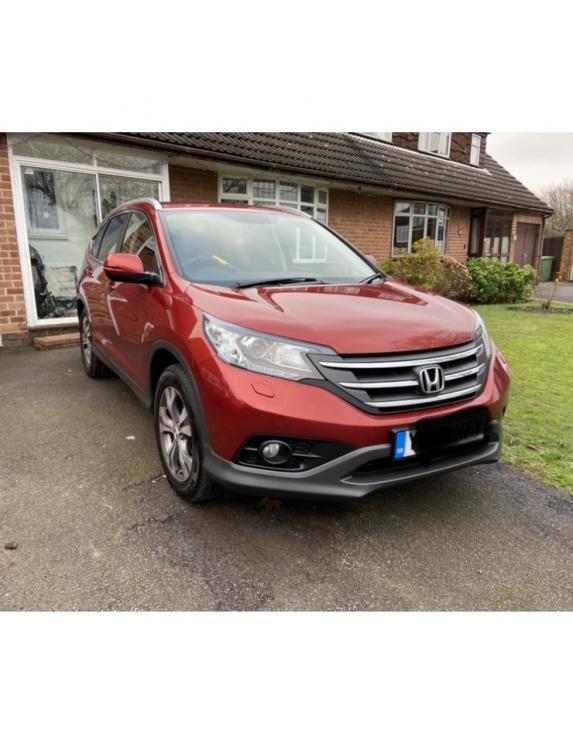 1 point
 -
Thanks Trevor, I did try that approach, but wasn't successful, I think lack of part numbers, makes it much more difficult. However, I got pointed in the right direction and found the clips along with practically everything else you could think of for a Honda! lol If anyone else reading this, happens to be looking for similar items, here is the link. https://www.lingshondaparts.com/ The clips are pricey, but they are genuine Honda items. The part numbers are displayed, which may aid a search for pattern versions. Thank again for the reply. Den1 point

