


Leaderboard
-
Trevor
Administrators1Points1,826Posts -
drbrucehoag
Members1Points3Posts -
Dawn
Members1Points2Posts


Popular Content
Showing content with the highest reputation on 08/24/2020 in all areas
-
For Sale: 1998 Honda Civic 1.4i 5-door. 47,500-ish original miles on the clock. "Fur" is still on the doors on the inside. Upholstery has been covered for nearly its entire life. Headliner needs some attention. Very reliable. Would be an ideal second car or for a new driver. Owner is moving abroad.

 1 point
 -
1 pointHi.....welcome to the Forum I hear so many people saying how much they love their CR-V and you definitely are a fan of this wonderful Honda vehicle. I can honestly state that my CR-V is probably the best car I have ever owned and wished I had got one many years back Good to have you onboard1 point
-
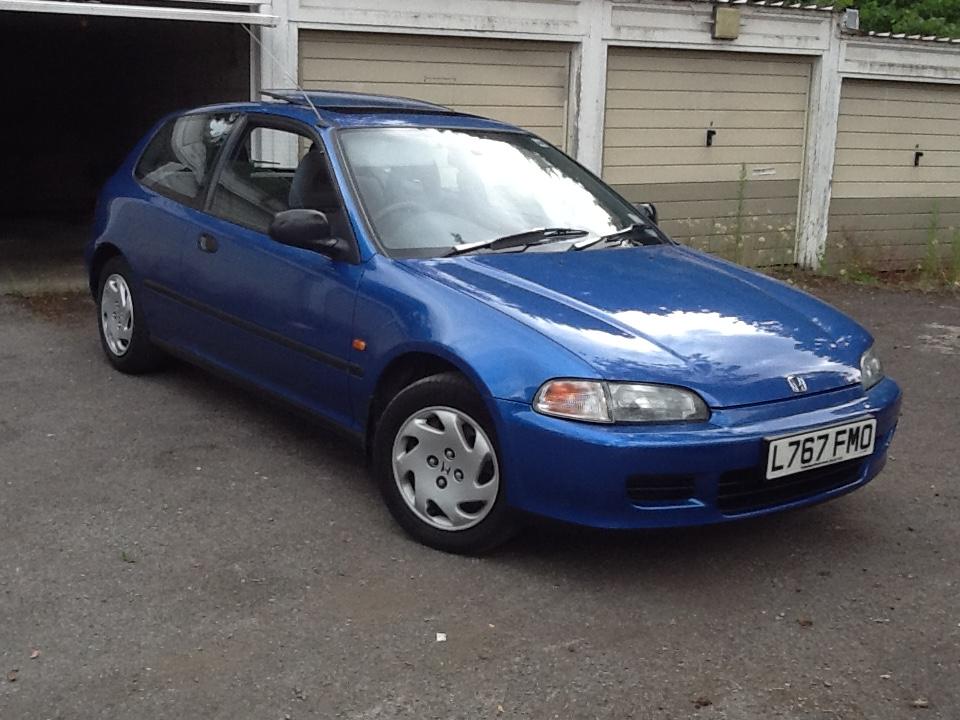
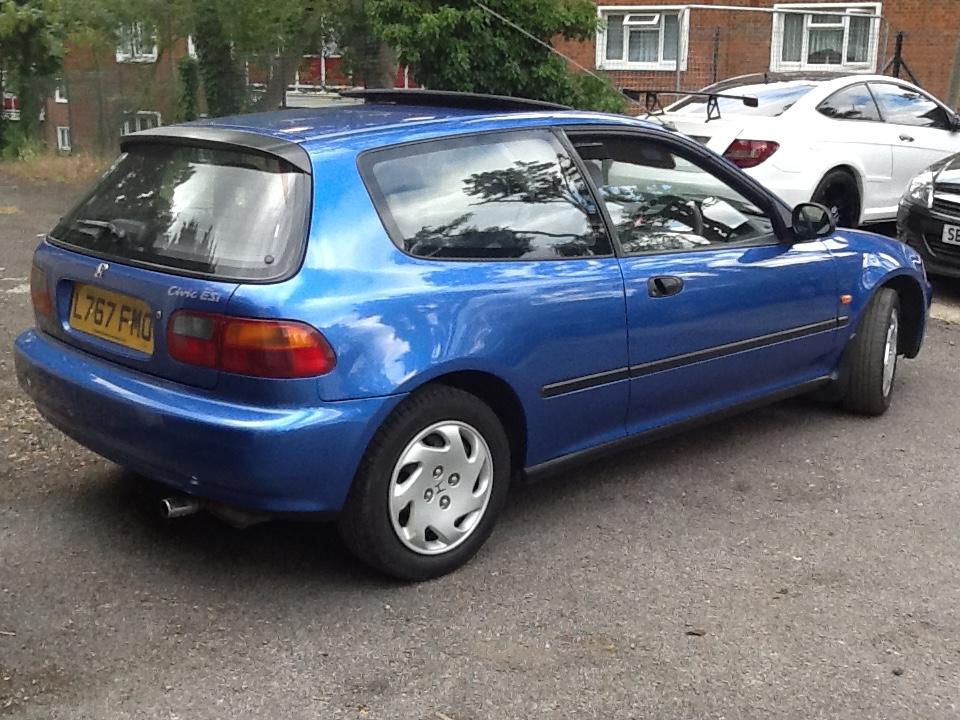
Hello all you Honda lovers out there. My beautiful Civic was stolen from what I thought was a quiet, safe place to park it. I was wrong. Last week my car was taken, because apparently it has become a sought after collector’s car and worth some money. I bought it 28 years ago and it was my pride and joy so I’m choked. If anyone out there sees a new to the area Electric Blue Civic Esi Reg. L767 FMO please will you let me know, although I realise it may have new plates and and chassis no. by now, or may even be on a boat to China so I’m told, But I have to try because the police have shown no interest at all, and this is my chance. Thank you for reading. All the best Dawn Condy - Wembley
 0 points


